
Intellectual Property
Hot selling product recommendations
View More




















Hey there! If you've ever wondered why your home Wi-Fi sometimes struggles when too many devices are connected, while the Wi-Fi at a large office or hotel remains stable even with hundreds of users, the answer often lies in the difference between the equipment used: a standard wireless router versus a dedicated Wireless Access Point (AP). Let's break down how these devices differ in a way that affects your everyday connectivity.
At its core, a wireless router is the all-in-one solution you're probably familiar with. It's designed to be the central hub of a home or small office network. It does three main jobs: it routes your internet traffic (the "router" part), it creates a local network with a built-in switch (giving you those LAN ports on the back), and it broadcasts a Wi-Fi signal. This jack-of-all-trades approach is cost-effective and super easy to set up—just plug it in and you're basically online. However, its internal hardware has to handle all these tasks at once, which is why performance can dip when you have many devices streaming, gaming, and downloading simultaneously. Most home routers are built to handle maybe 10 to 15 devices comfortably before you might start noticing slowdowns.
A Wireless Access Point (AP), on the other hand, is more of a specialist. Its primary job is to take an existing wired network connection and broadcast a robust Wi-Fi signal. Think of it not as the brain of the network, but as a highly efficient translator that lets wireless devices speak the language of the wired network. In larger setups, like businesses or schools, you'll have one powerful router managing the internet connection, and then multiple APs are strategically placed throughout the building to provide seamless Wi-Fi coverage. These APs are often managed by a central controller (an AC, or Access Controller), which allows a network administrator to configure and monitor dozens of APs from a single dashboard, ensuring a consistent experience everywhere.
So, which one feels better to use?
This really depends on the scale of your needs. For a typical apartment or small house, a good quality wireless router is perfect. It's a simple, one-box solution. The experience is great until you push its limits with too many smart home gadgets, phones, and computers all at once, or if you have thick walls that the signal can't easily penetrate.
When you step into a larger environment—a multi-story home, an office, a cafe, or a school—the experience with a dedicated AP system is noticeably different. Because multiple APs work together under a controller, your device can move between them without dropping the connection (a feature called seamless roaming). They are built with higher-quality components designed for stability under heavy load, often supporting 20, 30, or even more concurrent connections per AP without breaking a sweat. This is why you can walk through a large hotel while on a video call and the call doesn't stutter—the network is designed for that kind of mobility.
Let's talk about looks and setup.
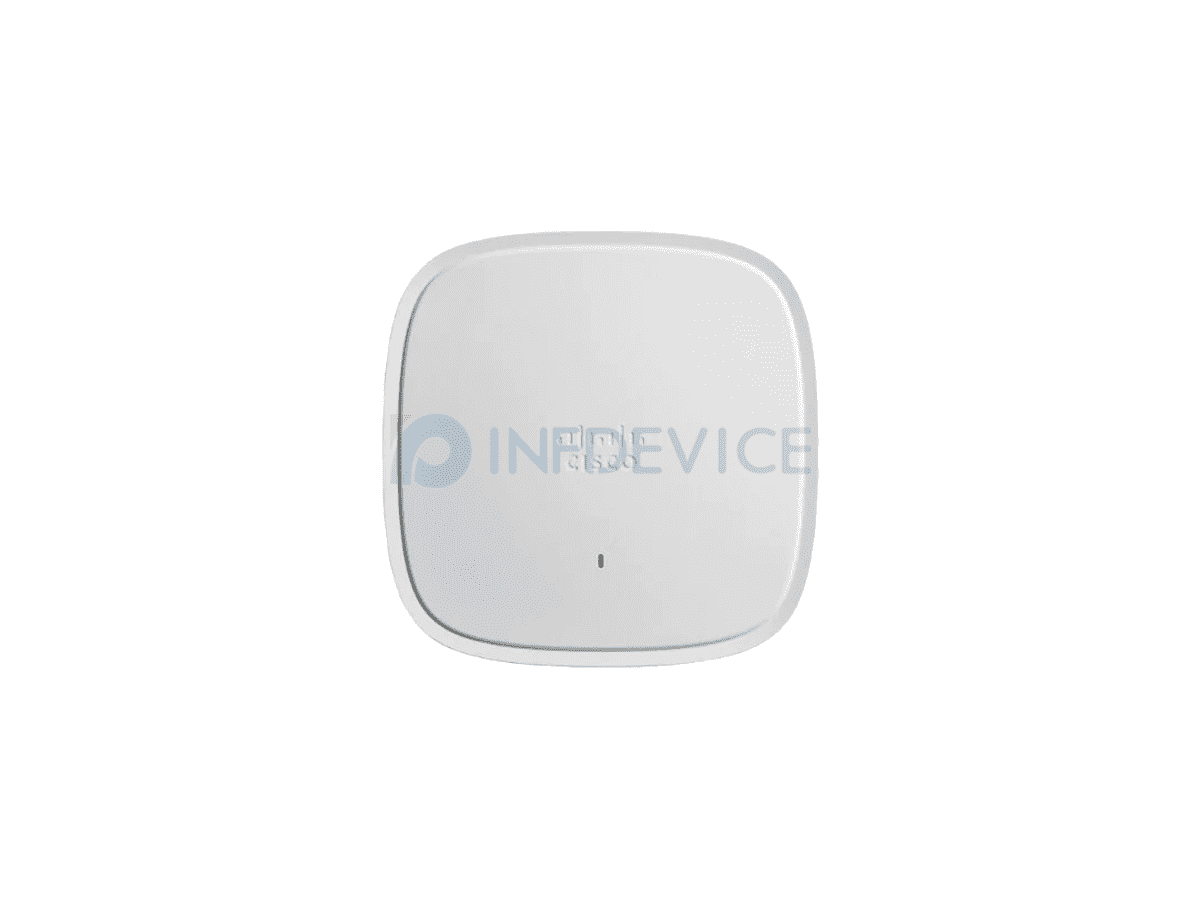
Your average router sits on a shelf with multiple external antennas. An AP, especially models designed for commercial ceilings like the Cisco Catalyst AP C9120AXI-H, often has a much sleeker, low-profile design. It's meant to be mounted discreetly on a wall or ceiling, blending into the environment. This particular model, the C9120AXI-H, is a great example of a modern, enterprise-grade "thin" AP. It's built to be part of a larger, smarter network ecosystem. It relies on a central Cisco Catalyst controller (AC) to handle all the complex configuration, which allows it to focus its power on delivering a super strong and reliable Wi-Fi 6 signal to a large number of users. You wouldn't typically buy just one of these for your house; they shine when deployed as a team across a building.
 When it comes to value for money, it's not about one being "better" than the other, but about what's right for the job. A good wireless router might cost you anywhere from $50 to a few hundred dollars, which is fantastic for a single location. An AP + AC setup has a higher initial cost—the APs themselves and the controller—but for a business where reliable Wi-Fi is critical for operations, the investment in a stable, scalable, and manageable system pays for itself by avoiding downtime and frustrated users
The Bottom Line
Choose a wireless router if: You're covering a smaller space (like an apartment or small office), want the simplest setup possible, and are on a budget. It's the all-in-one convenience package.
Choose a Wireless AP system (like one involving the Cisco C9120AXI-H) if: You need to cover a large area (a big house, office building, or campus), expect many users to be connected at once, and need a professional, stable network with features like seamless roaming and centralized management. It's the specialized, scalable solution.
Ultimately, it's the difference between a versatile multi-tool and a specialized power tool. Both are incredibly useful, but you'd pick one over the other based on the job you need to get done.